Best Software for Writers and Authors to Organize Book Research (Honest 2026 Comparison)
Contents
The short answer
No single app is great at both jobs. To gather material — quotes from paper books, PDFs and websites, each with its page number and source, sorted by chapter — use Eqtepas (free). To write the draft itself, use Scrivener for long manuscripts, or Word / Google Docs if you want the simplest option.
Most authors don’t get stuck while writing; they get stuck just before it. They have read dozens of books for the project, then sit down to write and can’t find the line they need — or find it with no page number. Below we compare six tools honestly, including ones we complement rather than compete with, then walk through a practical way to gather a book’s material before drafting.
Why book material gets lost before it is written
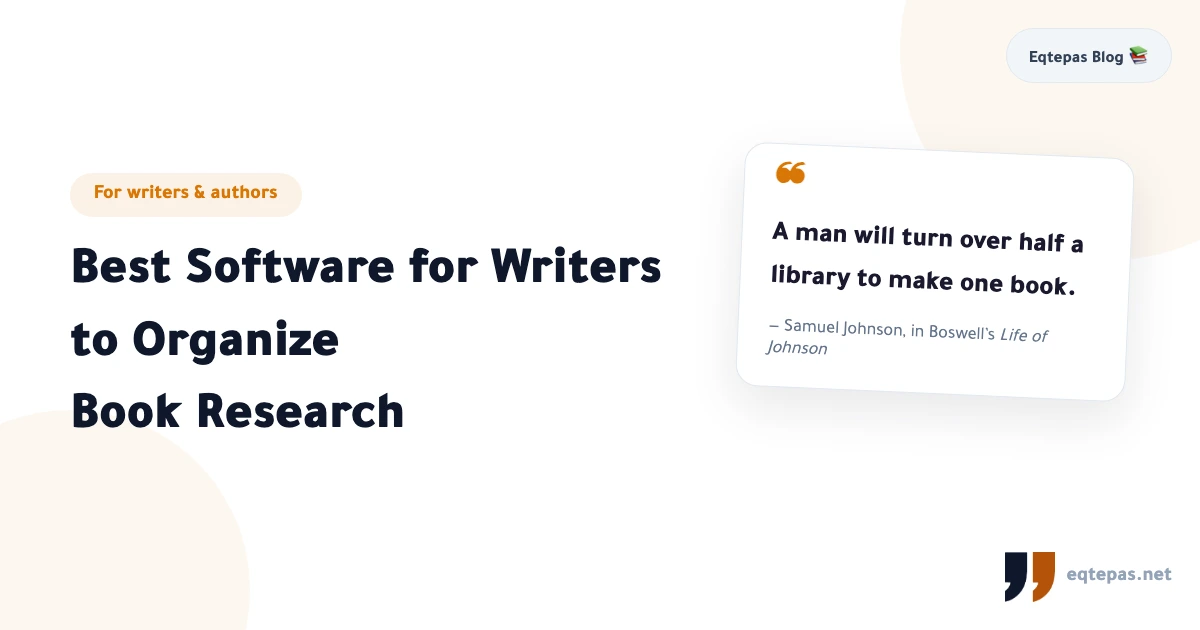
Samuel Johnson, who wrote the most famous English dictionary, put the size of the problem plainly:
“The greatest part of a writer's time is spent in reading, in order to write: a man will turn over half a library to make one book.”
Context: said at a dinner, contrasting writing from one’s own mind with writing from sources.
Nearly six centuries earlier, the Baghdad scholar Ibn al-Jawzi explained why he kept a notebook of passing thoughts, and named his book after it — Sayd al-Khatir, “catching the passing thought”:
“How often something has occurred to me, and I busied myself with other things instead of writing it down, so it went — and I regretted it.”
Context: he goes on to say he made the book a “tether” for thoughts that would otherwise escape.
Half a library for one book means hundreds of quotes and notes. Without a system from day one, most of them never reach the draft.
How authors gather material before writing: 7 steps
This works for nonfiction, historical fiction, a thesis, or a long essay series:
- Write the book’s question in one line. What will the reader know or feel on the last page? Use it to accept or reject every piece of material.
- Sketch a rough chapter list. Five to ten working titles are enough. It will change, but every new note now has somewhere to go.
- Give each chapter a category. Tag every quote with its chapter as you save it. If you don’t know where it belongs, put it in “Unsorted” — never nowhere.
- Save the line with its page number and edition. A quote without a page number costs you an hour on revision day. Record book, edition and page at the moment you save it.
- Write why you saved it. One line under each quote: why it stopped you and where you’ll use it. That note is the seed of a paragraph — and it’s your words, not the author’s.
- Capture passing ideas immediately. The thought you have on a walk or before sleep goes down right away — Ibn al-Jawzi’s whole point.
- Sort weekly, then write from the pile. Once a week move “Unsorted” into chapters. When you start a chapter, gather all its material in one file and draft with it open beside you.
For the reading habit behind this, see how to annotate a book and how to remember what you read.
What an author needs from research software
- Captures from paper books — photographing a page and turning the line into text saves hours of retyping.
- Keeps page numbers and sources for every quote, so citations are ready when you write.
- Organizes by chapter with categories, folders or tags, plus fast search across everything.
- Exports to your writing app, because you will draft in Word, Scrivener or similar.
- Works on phone and computer — reading happens everywhere; writing usually happens at a desk.
6 tools for writers compared
Prices are approximate as of November 2026 (USD) and can vary by country and billing — check each site before you buy.
| Tool | Capture quotes from books with page numbers | Organize by chapter | Write the draft | Price (approx.) |
|---|---|---|---|---|
| Eqtepas | Yes — paper books by photo, PDFs, websites | Categories, tags, search | No — exports to Word | Free; Pro 29 SAR (~$8)/month for heavy image-to-text use |
| Scrivener | Manual (Research folder for files and images) | Excellent — binder and corkboard | Best for long manuscripts | ~$60 one-time (Mac or Windows); ~$24 for iPhone/iPad |
| Ulysses | Manual | Groups and writing goals | Calm, focused editor | $5.99/month or $39.99/year; Apple devices only |
| Obsidian | Manual | Linked notes | Good | Free; Sync ~$4–5/month |
| Notion | Manual or Web Clipper | Databases | Okay | Free; Plus ~$10–12/month |
| Word / Google Docs | Manual | Weak — one long file | Yes | Google Docs free; Word with Microsoft 365 |
Writing apps are excellent once the material exists, but they all assume you’ll retype each quote from the book by hand. That is exactly where an author who reads on paper loses time.
1. Eqtepas — gather material from books with page numbers
- Paper books: photograph the page, select the line, and it becomes text saved with the book and page number (10 images a month on the free plan).
- PDFs and websites: highlight in the built-in reader or with the Chrome extension; the source and page come along.
- A category per chapter, colour-coded, with tags and search across all your quotes.
- Your note under every quote — why you saved it and where it goes.
- Export to Word — all quotes from one book or one category (chapter) in a single file to open beside your draft.
- APA or Chicago citations if your book needs a bibliography.
2. Scrivener — the strongest for long manuscripts
A favourite of novelists and long-form authors: split the manuscript into scenes and chapters you can drag around, see the structure on a corkboard, keep PDFs, images and web pages in a Research folder beside the text, then compile everything into one file. One-time purchase, around $60.
Limits: a real learning curve, and nothing captures quotes from paper books — whatever goes in, you type.
3. Ulysses — a calm editor for Apple users
A clean, distraction-free editor with one library for all your writing, word-count goals per chapter, and sync across Mac, iPad and iPhone.
Limits: subscription only ($5.99/month or $39.99/year) and Apple devices only.
4. Obsidian — a web of linked notes
Plain-text notes on your own device, linked to each other so you can see how your ideas connect. Free without limits; optional Sync is about $4/month billed yearly.
Limits: you build your own system, which takes time, and every quote from a paper book is typed by hand with its page.
5. Notion — run the book as a project
Good if you like managing the book as a project: a table of chapters and their status, a page per character or source, deadlines. The Web Clipper saves web pages.
Limits: not a comfortable place to write long prose, and collecting book quotes is manual.
6. Word and Google Docs — the simplest
Everyone knows them, publishers usually want a Word file at the end, and Google Docs is free and easy to share with an editor.
Limits: one long file is hard to navigate, and raw material piles up in scattered “notes” documents you can’t search well.
The setup that works: one tool for material, one for writing
- Reading (weeks or months): every important line goes into Eqtepas with its page number, chapter category and your note.
- Planning: review each chapter’s category and order the ideas — Scrivener’s corkboard or Notion help here.
- Writing: export the chapter’s quotes to Word, open them beside your draft in Word or Scrivener, and write.
- Revising: every quote in the draft already has its source and page, so you never go back hunting for a line.
Working from summaries rather than quotes? See how to summarize a book.
Which one should you pick?
- Authors who read paper books: Eqtepas for material, Word or Google Docs for writing.
- Novelists and long manuscripts: Scrivener for structure and drafting, Eqtepas for what you collect from sources.
- Apple users who want simplicity: Ulysses.
- Writers who think in connections: Obsidian.
- Project managers at heart: Notion.
Start today with one chapter: create its category and save your first three quotes with page numbers. Create a free account.
FAQ
What is the best software for writing a book?
For drafting, Scrivener is the strongest for long manuscripts, while Word or Google Docs are the simplest. For gathering the book’s material from sources before you write, Eqtepas saves each quote from paper books, PDFs or websites with its page number and sorts it by chapter.
How do authors gather material before writing?
Write the book’s question in one line, sketch a rough chapter list, give each chapter a category, save every quote with its page and edition plus a note on why you saved it, capture ideas immediately, sort weekly, and draft each chapter with all its material in front of you.
How do I organize research for a nonfiction book?
Tie every quote and idea to a chapter from a working outline, keep an Unsorted bucket you review weekly, and record source and page at the moment you save. Export each chapter’s material into one file when you start writing it.
Is Scrivener worth it for a first book?
If your book is long and structured, yes — a one-time purchase of about $60 buys excellent manuscript tools. If you want something you already know, Word or Google Docs is fine. Either way, keep your source material in a dedicated tool so quotes keep their page numbers.
Keep the lines you love — with the page number
Eqtepas saves quotes from paper books (snap the page), PDFs, ebooks and the web, each one with its book and page — then turns any of them into a shareable card.
Try Eqtepas free